Get quick answers from Gemini on any website.
Gemini
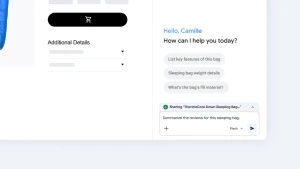
 Use Gemini in Chrome's side panel to get answers and summaries without leaving the page.
Summary
This article explains how to use Gemini within Google Chrome to get quick answers without opening a new tab. By clicking the Gemini icon in the Chrome toolbar, users open a side panel where they can ask Gemini to summarize dense reports, compare product details, or explain complicated topics in plain language while remaining on the current webpage. A date of Nov 12, 2026 appears at the top of the parsed text.
(Source:Gemini)